Back to Gallery
Public🚀 Custom
hells paraidse
Ibrahim OudehFriday, February 13, 2026Vehicle & Style
Model 3
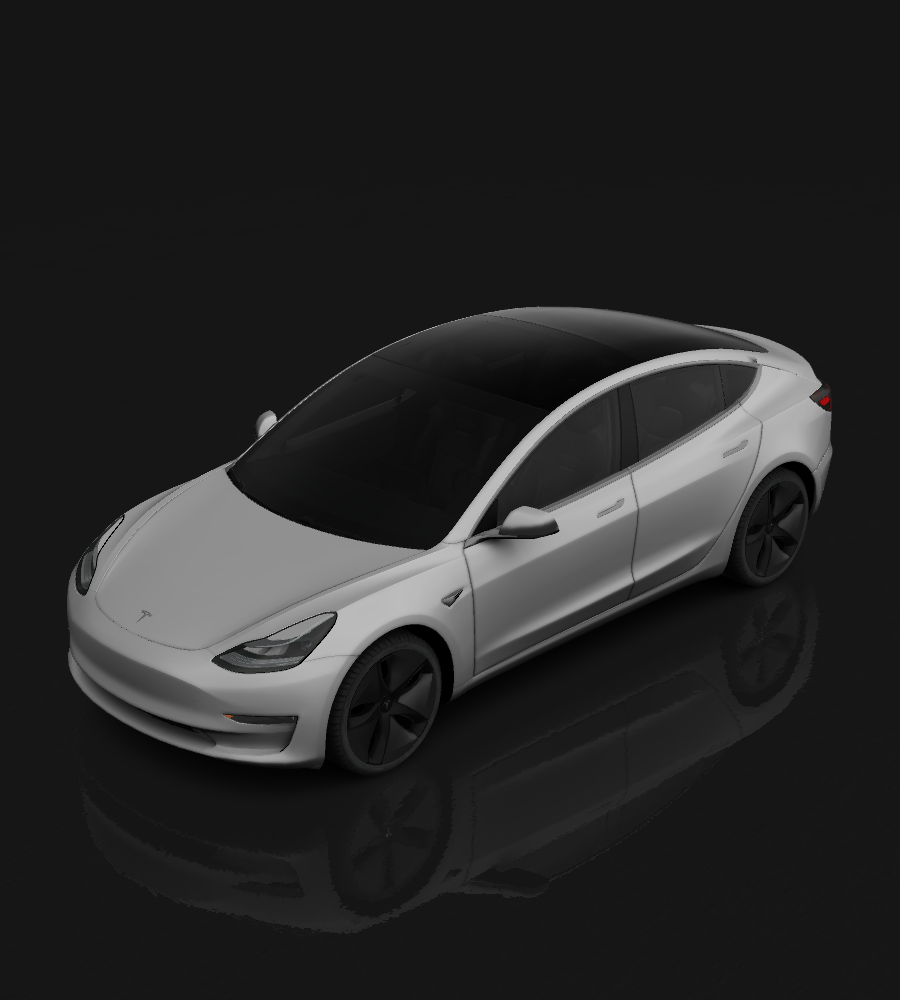
Tesla Model 3
🚀
Custom
Your unique vision
Design Prompt
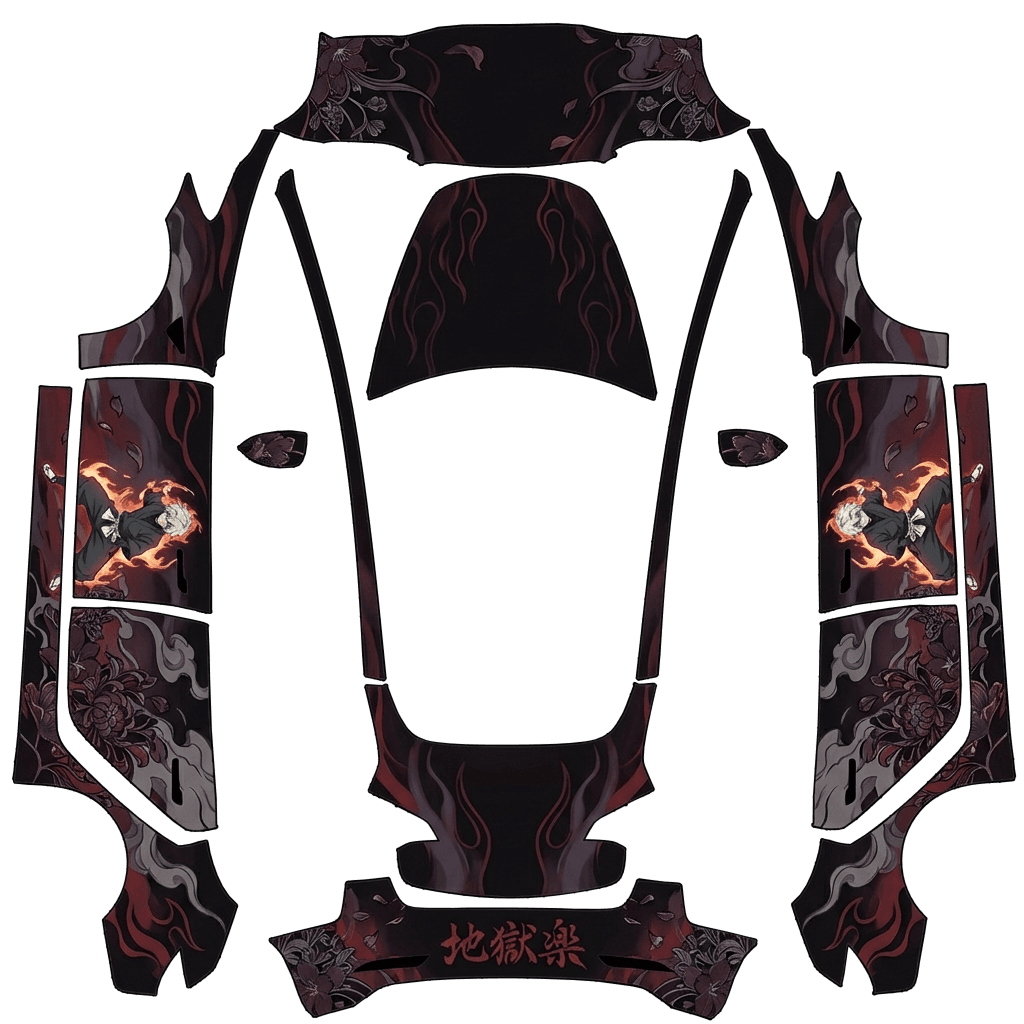
Tesla Model 3 wrap inspired by Hell’s Paradise. Matte black base with dark red, purple, and ash-gray tones. Show small full-body Gabimaru on the side doors in combat stance with fire aura, surrounded by floral island patterns and smoke. Keep figure scaled down with negative space to avoid cropping. Add flowing petal and flame effects rearward. Hood minimalist — flame veins only, no face or body. Include “地獄楽” kanji on rear.
How to Use Custom Wraps
- Download the template for your specific vehicle model (see links below)
- Edit the template with your custom design (fill in the white areas)
- Save your design as a PNG file (512x512 to 1024x1024 pixels, max 1 MB)
- Load your wraps onto a USB drive in a folder called Wraps
- Apply in your Tesla: Toybox → Paint Shop → Wraps tab
Requirements & Setup
Image Requirements
- Resolution: 512x512 to 1024x1024 pixels (use template size for best results)
- File Size: Images must be no larger than 1 MB.
- File Name: Use alphanumeric characters, underscores, dashes, and spaces only (max 30 characters).
- File Format: Images must be in PNG format.
- File Count: Up to 10 images can be used at a time.
USB Drive Setup
- Format the USB drive as one of the following:
- exFAT
- FAT 32 (for Windows)
- MS-DOS FAT (for Mac)
- ext3
- ext4
- Note: NTFS is not currently supported
- Create a folder called Wraps at the root level of the drive
- Place your PNG files inside the Wraps folder
- Ensure the drive doesn't contain map or firmware updates