Back to Gallery
Public🚀 Custom
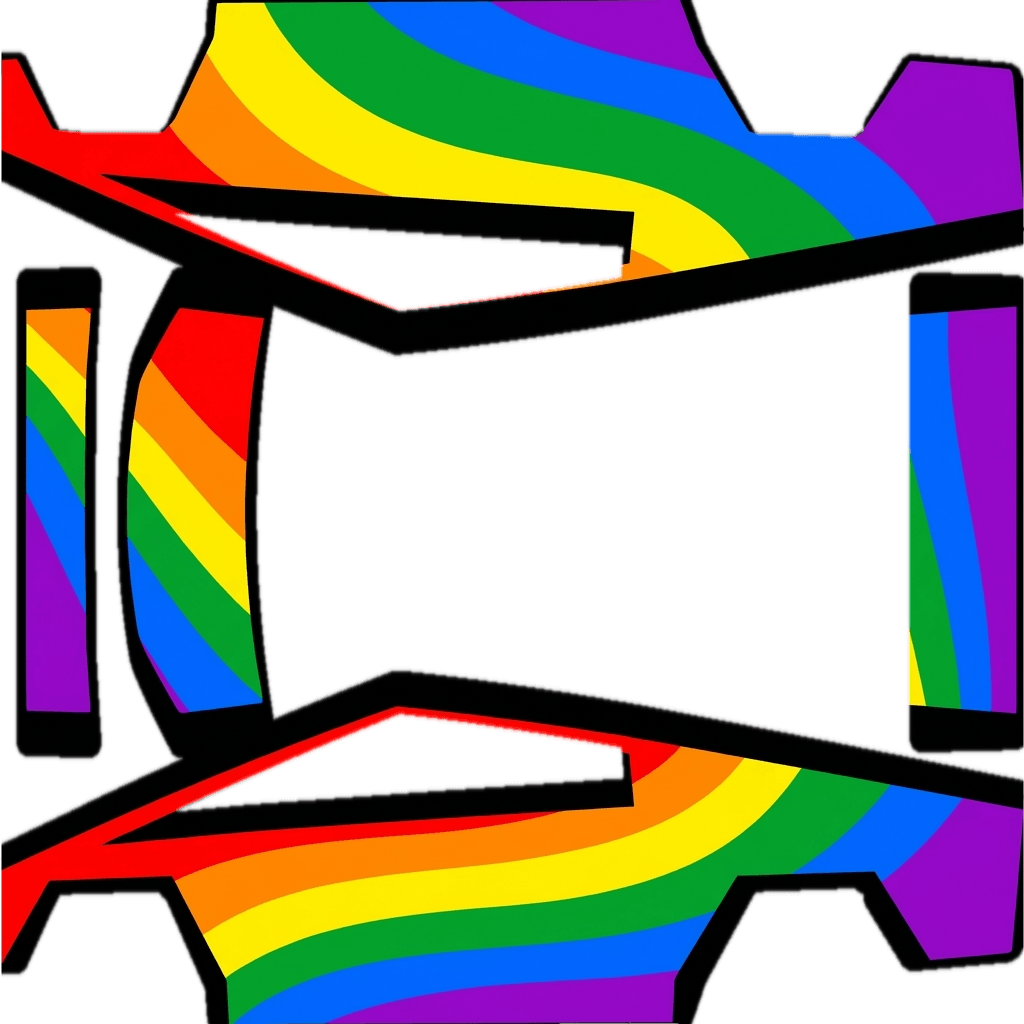
CyberRainbow
alrosmarz+alexWednesday, January 28, 2026Vehicle & Style
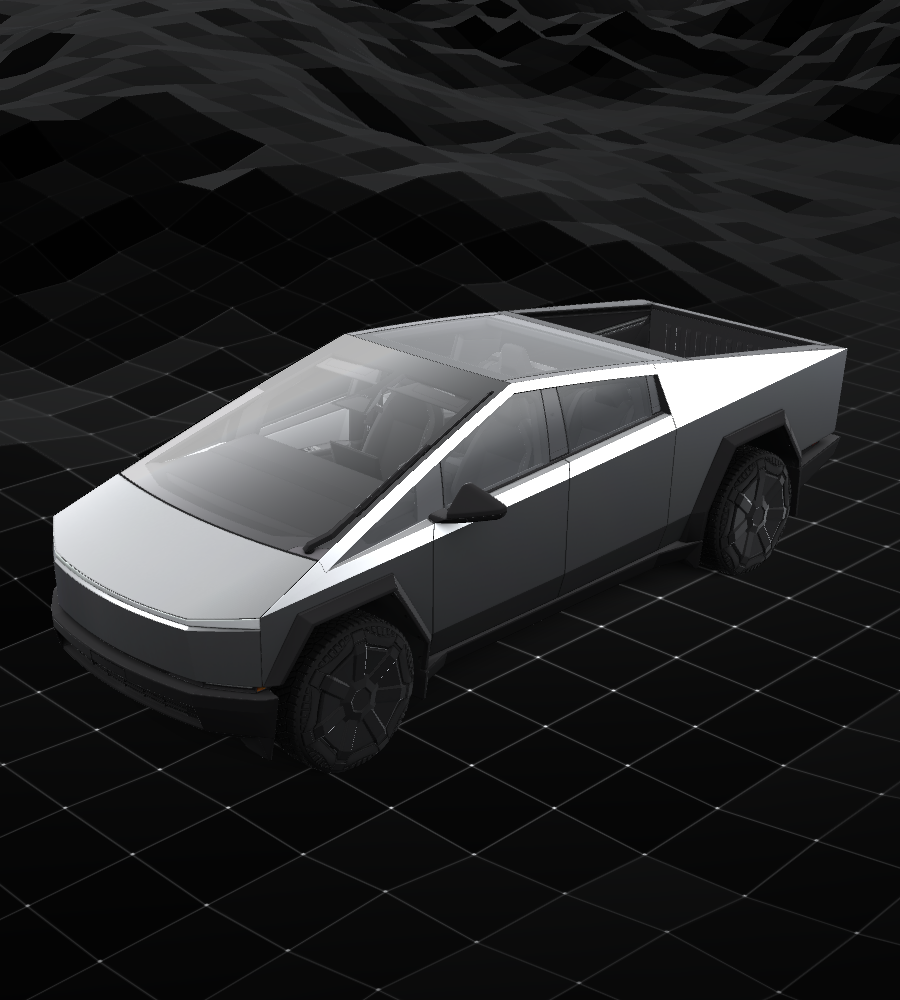
Cybertruck
Tesla Cybertruck
🚀
Custom
Your unique vision
Design Prompt
Let's got with a rainbox design
How to Use Custom Wraps
- Download the template for your specific vehicle model (see links below)
- Edit the template with your custom design (fill in the white areas)
- Save your design as a PNG file (512x512 to 1024x1024 pixels, max 1 MB)
- Load your wraps onto a USB drive in a folder called Wraps
- Apply in your Tesla: Toybox → Paint Shop → Wraps tab
Requirements & Setup
Image Requirements
- Resolution: 512x512 to 1024x1024 pixels (use template size for best results)
- File Size: Images must be no larger than 1 MB.
- File Name: Use alphanumeric characters, underscores, dashes, and spaces only (max 30 characters).
- File Format: Images must be in PNG format.
- File Count: Up to 10 images can be used at a time.
USB Drive Setup
- Format the USB drive as one of the following:
- exFAT
- FAT 32 (for Windows)
- MS-DOS FAT (for Mac)
- ext3
- ext4
- Note: NTFS is not currently supported
- Create a folder called Wraps at the root level of the drive
- Place your PNG files inside the Wraps folder
- Ensure the drive doesn't contain map or firmware updates