Back to Gallery
Public🎨 Solid Color
Target destroyed
HAMED ALMAAZMIFriday, March 20, 2026Vehicle & Style
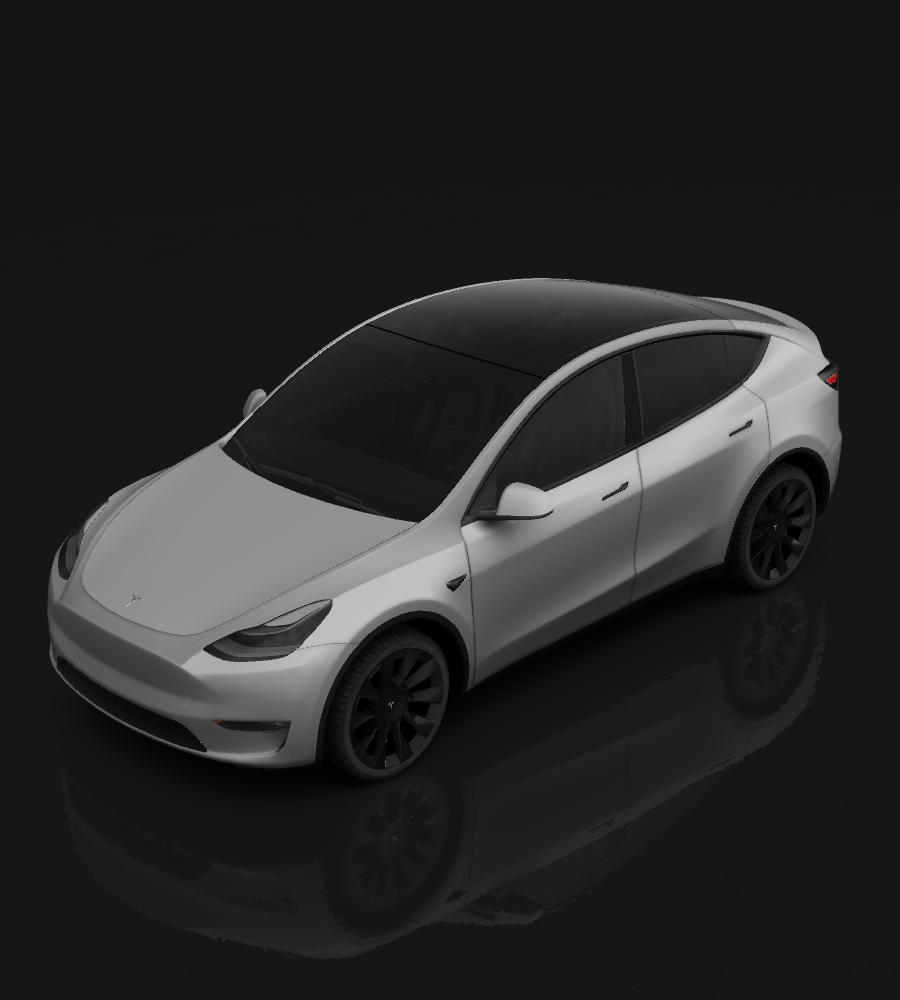
Model Y
Tesla Model Y
🎨
Solid Color
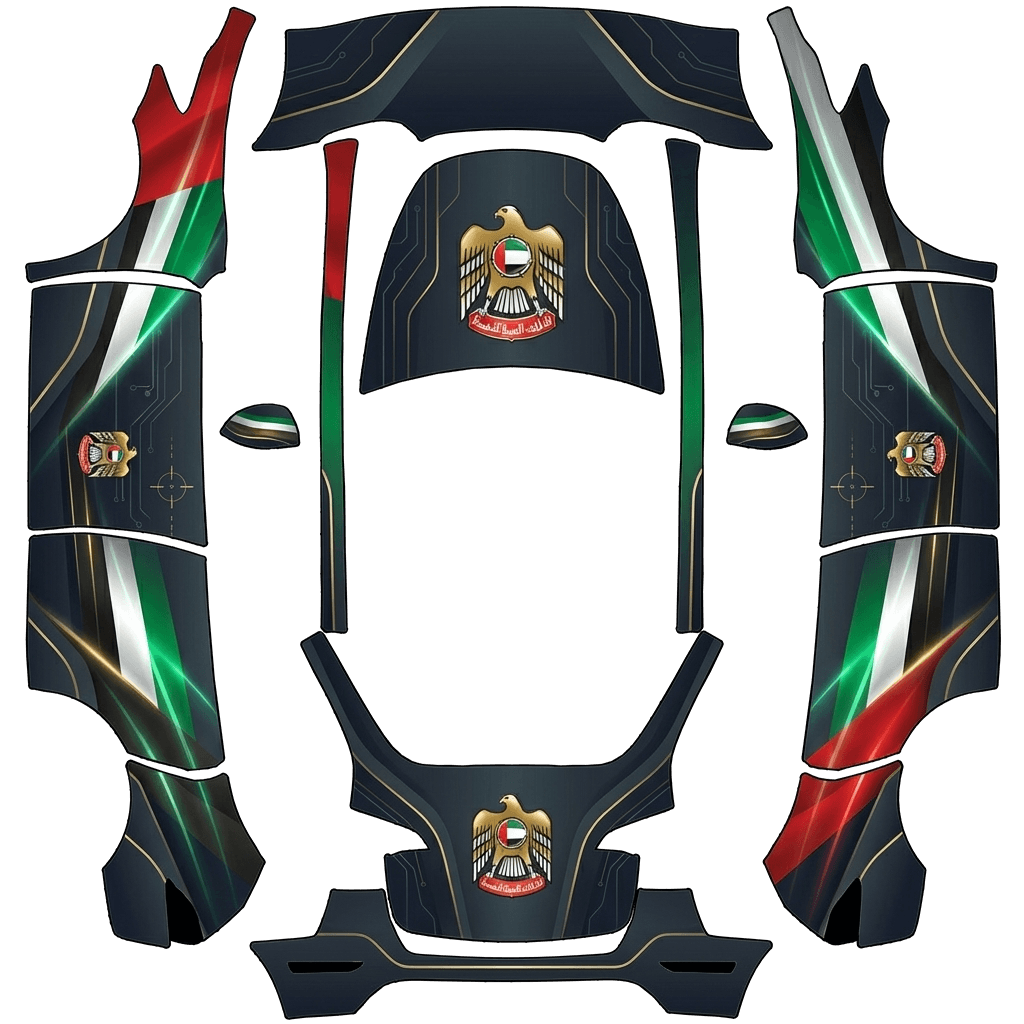
Clean, single-color wrap
Design Prompt
A premium Tesla screen wrap design featuring the UAE flag combined with the UAE national emblem (golden falcon). Elegant dark background with smooth gradients and subtle lighting. The flag colors (red, green, white, black) are integrated seamlessly, with the golden emblem as a central highlight. Clean, minimal, and luxurious with a high-tech aesthetic. Prominently display the phrase “Target Destroyed” across the front glass area in a bold, futuristic HUD-style font with a glowing effect, making
How to Use Custom Wraps
- Download the template for your specific vehicle model (see links below)
- Edit the template with your custom design (fill in the white areas)
- Save your design as a PNG file (512x512 to 1024x1024 pixels, max 1 MB)
- Load your wraps onto a USB drive in a folder called Wraps
- Apply in your Tesla: Toybox → Paint Shop → Wraps tab
Requirements & Setup
Image Requirements
- Resolution: 512x512 to 1024x1024 pixels (use template size for best results)
- File Size: Images must be no larger than 1 MB.
- File Name: Use alphanumeric characters, underscores, dashes, and spaces only (max 30 characters).
- File Format: Images must be in PNG format.
- File Count: Up to 10 images can be used at a time.
USB Drive Setup
- Format the USB drive as one of the following:
- exFAT
- FAT 32 (for Windows)
- MS-DOS FAT (for Mac)
- ext3
- ext4
- Note: NTFS is not currently supported
- Create a folder called Wraps at the root level of the drive
- Place your PNG files inside the Wraps folder
- Ensure the drive doesn't contain map or firmware updates